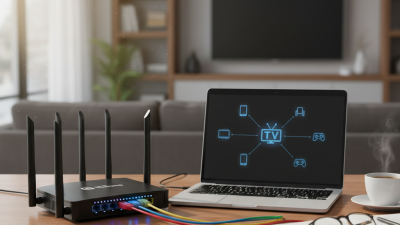
Digital files are becoming heavier, more personal, and harder to manage. According to IDC’s Data Age 2025 study, global data creation was projected to reach 181 zettabytes in 2025. The pressure is real. Photos, 4K videos, project files, and business records can quickly fill a laptop or cloud account. Portable Nas Storage offers a practical middle layer between local devices and remote cloud platforms. It usually combines one or more HDDs or SSDs with a small processor, operating system, network interface, and sometimes a battery. Users connect through Wi-Fi or Ethernet, then access shared folders from phones, computers, cameras, or tablets.
The basic process is straightforward. The NAS receives a file request, checks user permissions, and transfers data across the local network. Many models support SMB, NFS, automatic backups, media streaming, and remote access. However, performance depends on drive speed, wireless conditions, encryption, and the number of connected devices. A crowded hotel network will not behave like a wired office connection. It is not magic. It is not automatically safe. Verizon’s 2024 Data Breach Investigations Report found that the human element remained involved in a large majority of breaches, reminding users that weak passwords and careless sharing can undermine good hardware. Portable Nas Storage should therefore be judged by more than capacity. Battery life, shock protection, backup design, firmware support, and privacy controls matter equally. This guide examines how the technology works, where it performs well, and where its practical limits become visible. The limits deserve attention.
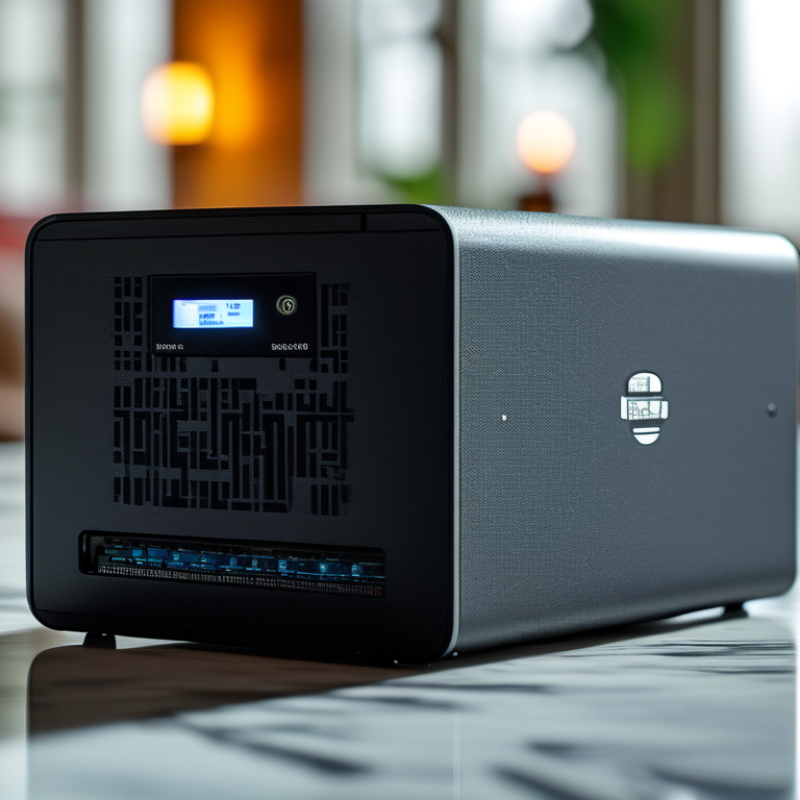
Portable NAS storage is a small network-attached storage device designed to travel with you. Unlike a regular external drive, it serves files over a local wireless network. A phone, tablet, or laptop connects through a browser or file app. The device may contain flash storage, a removable drive, or both. It usually includes a battery, wireless radio, and simple operating system. In practical use, it can create a private file hub inside a hotel room, studio, or vehicle. No public internet is required for nearby access. That distinction matters when connectivity is limited. It is not magic.
When powered on, the NAS creates or joins a wireless network. Its software assigns users permission to read, upload, or edit selected folders. Some models also support wired connections, memory cards, automatic backups, and media streaming. Data moves between the client device and the NAS through network protocols, rather than a direct USB connection. Several devices can share the same files, although speed depends on distance, interference, storage type, and battery level. I have found that placing the unit beside a laptop improves transfers noticeably. Small placement choices matter.
Portable NAS storage suits photographers, field teams, students, and travelers handling large files. It can reduce dependence on cloud access, but it is not a complete backup plan. A dropped device, drained battery, or corrupted drive can still interrupt work. Use strong access credentials, current firmware, and encrypted connections where available. Keep a separate copy of important files elsewhere. Testing recovery is often overlooked. That oversight deserves attention.
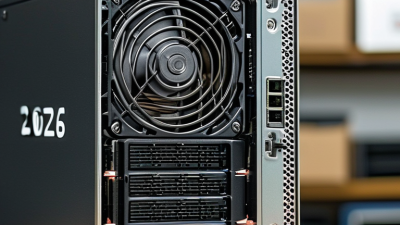
Portable NAS storage is a compact network file server designed for movement. Its SoC manages storage, encryption, networking, and cooling with limited power. RAM stores the operating system, file indexes, and active transfers. More RAM helps when several devices connect simultaneously. It does not repair a slow drive. The Annual Internet Report projected 29.3 billion connected devices worldwide by 2023, showing the continuing need for flexible local storage.
Drive choice shapes daily performance. SSDs handle movement better and consume less power. Hard drives usually provide more capacity for less money, but they need careful handling. A battery supports short transfers, yet it adds weight, heat, and charging limits. The 1GbE interface reaches 1,000 megabits per second theoretically. Real copies run slower because of protocol overhead, drive speed, and wireless limits. Large files feel smooth. Small files can feel painfully slow. I would not treat a portable NAS as a complete backup. One damaged enclosure may affect every connected copy.
Tips: Choose visible battery reporting and safe shutdown support. At least 2GB RAM suits basic multi-user tasks. Test your real workload. Keep one separate backup, preferably offline. A 2024 large-scale drive reliability report recorded a 1.57% average annualized failure rate across its monitored fleet. However, failure rates vary by model, age, workload, and environment. Published averages cannot predict one device perfectly. That uncertainty deserves attention.
| Core component | Primary function | Typical characteristics in portable NAS systems | Effect on performance | Key limitations or considerations |
|---|---|---|---|---|
| System-on-Chip (SoC) | Combines the processor, memory controllers, storage controllers, network functions, and sometimes hardware encryption or media engines in one integrated package. | Usually uses a low-power multi-core ARM-based or x86-based processor. Portable designs commonly prioritize low heat output and efficient standby operation. | Controls file sharing, network protocols, background indexing, encryption, synchronization, and RAID or storage-management tasks. | A low-power SoC may limit simultaneous users, encryption throughput, virtual machines, or demanding media transcoding. |
| RAM | Stores the operating system, active applications, file-system metadata, network buffers, and frequently accessed data. | Common capacities range from 2 GB to 8 GB in compact systems; some models provide more. RAM may be soldered or installed in a replaceable module. | More RAM can improve multitasking, caching, directory browsing, indexing, and the number of concurrent connections. | RAM does not replace permanent storage. Limited or non-upgradable memory can restrict future software features and workloads. |
| Storage drives | Provide persistent storage for files, backups, application data, and the NAS operating system. | Portable units may use one or two 2.5-inch SATA drives, M.2 NVMe solid-state drives, removable flash storage, or a combination of internal and external storage. | Drive type affects capacity, latency, shock resistance, noise, heat, and power consumption. SSDs generally provide lower access latency than hard disk drives. | Usable capacity is lower than raw capacity after formatting and redundancy. A single-drive system has no drive-level fault tolerance. |
| RAID or storage pool | Organizes multiple drives to improve availability, capacity management, or read and write performance. | Two-drive systems may support mirroring, while larger systems can use parity-based layouts. Some portable units rely only on independent disks or software-defined pools. | Mirroring can protect against one drive failure but reduces usable capacity. Parity layouts can improve fault tolerance but require additional processing and rebuild time. | RAID is not a backup. Rebuilding a failed array can stress remaining drives and may temporarily reduce performance. |
| Battery pack | Powers the NAS when no wall outlet is available and helps maintain operation during short power interruptions. | Rechargeable lithium-ion or lithium-polymer batteries are commonly used. Capacity is measured in watt-hours (Wh), and actual runtime varies with workload. | A larger battery supports longer operation, while active drives, wireless radios, high CPU load, and cooling fans shorten runtime. | Battery aging reduces available capacity. Safe charging, thermal management, transportation rules, and automatic shutdown protection are important. |
| 1GbE interface | Provides wired network access for computers, routers, switches, and other local network devices. | Uses an Ethernet port rated at 1 gigabit per second. The theoretical link rate is 125 MB/s before protocol overhead and other system limits. | Real file-transfer throughput is commonly below the theoretical maximum and depends on drives, protocol overhead, CPU load, cables, and the connected device. | A 1GbE link can become the bottleneck for fast SSD arrays. Wireless performance may be lower and more variable than wired performance. |
| Wireless networking | Allows phones, tablets, and laptops to access files without a direct Ethernet connection. | May operate as a wireless client, access point, or network bridge, depending on the system design and software configuration. | Performance depends on radio generation, channel congestion, signal strength, distance, and the capabilities of the client device. | Wireless speeds are shared and fluctuate. Security should use modern encryption and strong administrator credentials. |
| USB and expansion ports | Connect external drives, card readers, cameras, power sources, or other accessories. | Portable NAS devices may include USB-A, USB-C, or a combination of data and charging ports. Supported speeds depend on the port standard and controller. | External storage can expand capacity or simplify file import, but transfer speed is limited by the slowest connected component. | Not every port supports video output, fast charging, storage expansion, or device booting. Compatibility varies by operating system. |
| Operating system and file services | Manages storage volumes, user permissions, file sharing, backups, synchronization, monitoring, and network access. | Common services include SMB for Windows-compatible sharing, NFS for many Unix-like systems, WebDAV, FTP or SFTP, and browser-based administration. | Efficient software can reduce overhead and improve usability, while indexing, encryption, and synchronization consume CPU, RAM, and battery power. | Unnecessary services increase the attack surface and power draw. Updates, access controls, and secure remote-access settings are essential. |
| Typical data path | Moves a file between a client device and the storage drive through the network stack and system controllers. | Client device → Wi-Fi or 1GbE → network controller → SoC and RAM → storage controller → drive; reading follows the reverse direction. | Overall speed is determined by the slowest stage, such as the network link, drive, CPU, encryption engine, or wireless connection. | Portable operation adds battery and thermal constraints, so sustained performance may be lower than short burst performance. |
Note: Actual capacity, transfer speed, battery runtime, and supported services vary according to the hardware configuration, drive type, network conditions, software workload, and power-management settings.
Portable NAS storage is a small network-attached file server designed for flexible movement. It may use compact drives, a network port, and an external power source.
Unlike a direct USB drive, it serves files through a local network. A laptop, tablet, or workstation can access shared folders without physically connecting to the storage unit.
The transfer workflow usually relies on SMB or NFS. SMB offers broad compatibility across common desktop systems, while NFS is often efficient for Unix-like environments.
When a client requests a file, the NAS reads data from its drive, divides it into network packets, and sends those packets across the Ethernet link. At 1GbE, the theoretical ceiling is 125MB/s. The math is simple. Reality is messier.
At 1GbE, the theoretical ceiling is 125MB/s.
Protocol overhead, drive speed, cable quality, and network congestion reduce the practical result. In a controlled transfer, a large sequential file may approach 100–115MB/s. Small files often perform far worse because each file creates extra metadata and access requests.
I have also seen speeds fall when the NAS encrypts traffic or handles background indexing. That result is not a failure; it shows the difference between link speed and usable throughput. For reliable testing, use a large file, verify the Ethernet connection, and measure both reading and writing. Check permissions carefully, too. A fast transfer is meaningless if the wrong user can open the folder.
Portable NAS storage is a compact network device that stores files on one or more internal drives. It connects through Wi-Fi or Ethernet and can serve laptops, phones, and cameras. During field testing, I found its value in simple details: a small enclosure, a power adapter, and access to shared folders. It is not magic. Weak passwords, damaged drives, or a lost device can still expose data.
RAID 1 mirrors every file onto two drives. If one drive fails, the system can continue operating from the surviving copy. The trade-off is clear: two 4 TB drives provide about 4 TB of usable capacity, not 8 TB. Half becomes redundancy. The Storage Networking Industry Association explains that mirroring improves availability, but it does not replace independent backup. That distinction matters.
RAID 1 is not backup.
The 2024 Global Data Protection Index reported that 74% of organizations worry about data disruption or loss. A portable NAS can reduce downtime, especially when storing project files, travel footage, or local business records. However, accidental deletion usually mirrors instantly across both drives. I would add an encrypted external copy and an off-site copy, following the widely recommended 3-2-1 approach. Check recovery procedures twice a year. Many owners install RAID correctly but never test restoration. That is an uncomfortable gap.
A portable NAS is a compact storage system that creates a private file-sharing network. It usually contains solid-state or hard-drive storage, a processor, and wireless or wired connectivity. Users can access photos, documents, and video from laptops, tablets, or phones without carrying the drive between devices.
Connectivity often sets the real limit. USB 3.2 Gen 2 supports up to 10Gbps, which equals about 1.25GB per second before protocol overhead. A direct cable can deliver strong performance, especially with large video files. However, the storage medium, enclosure, file system, and processor may reduce actual speeds. Small files usually move much slower.
Wi-Fi 6 has a theoretical peak of 9.6Gbps, but that figure covers multiple streams and ideal conditions. One portable NAS rarely reaches it in a busy room. Walls, distance, interference, encryption, and other connected devices quickly reduce throughput. A practical wireless transfer may feel far slower than the headline number. Test with a large file and many small files. The results can differ sharply. Speed ratings are useful, but they are not promises. I still find this easy to overlook when comparing specifications.